{{ 'fb_in_app_browser_popup.desc' | translate }} {{ 'fb_in_app_browser_popup.copy_link' | translate }}
{{ 'in_app_browser_popup.desc' | translate }}
ONF Link
簡單三步驟,開始使用 MIST O⁺ / Flat One+ / Flat Nano+
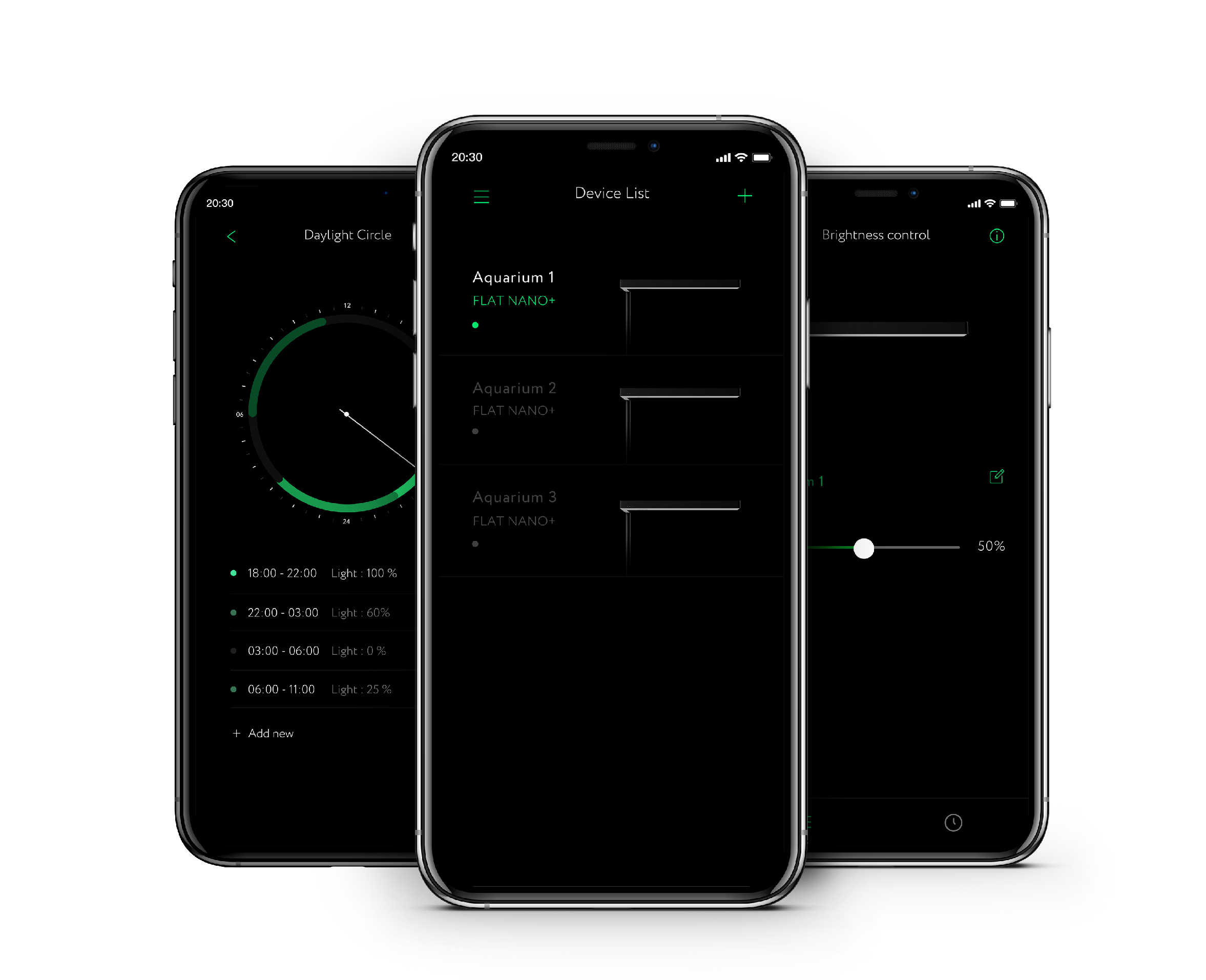
❶ 打開ONF Link ,點擊 "我的裝置"
❷ 點擊右上方 "+" 進行搜尋
❸ 請將燈具上電,並在藍牙燈停止閃爍前完成連線
*ONF Link 最新版本目前支持iPhone iOS 12以上和Android 8.0~12.0
*支持廠牌包含: Apple/ Samsung/ 小米/ 紅米/ 華為/ Oppo/ Vivo/ Sony/ Asus/ Google/ HTC
*因Google Play policy規範,部分特殊機型、品牌及操作系統暫不支持
*不支持小米Miui,針對目前針Miui系統會產生部份機種可支持,部份機種不支持,依據不同Miui版本不同會有不一樣的情況產生,請特別注意目前ONF LINK V2.4 不支持小米Miui系統
Flat One+
Flat Nano+